On October 6th, according to a report from technology media hardwareluxx, yesterday (October 5th), it was mentioned in a blog post that within the Windows 11 system, Microsoft is implementing Windows Ready Print, which may lead to compatibility issues with some older USB printers and multifunctional devices that rely on dedicated drivers.
IT reported back in June of this year that starting from version 1126300.8553 of Windows, Microsoft renamed the "Modern Printing Platform" ( Modern Print Platform) to Windows Ready Print and simultaneously introduced a driver selection control, providing users and IT administrators with a simpler and more reliable modern printing experience.
This adjustment means that Microsoft will shift the Windows printing system from using vendor-specific drivers to a standardized protocol, gradually reducing reliance on vendor-specific drivers such as HP, Canon, Epson, and Brother. The new architecture is based on Internet Printing Protocol ( IPP ), allowing Windows to identify and manage printers through a unified protocol.
Traditional printer drivers (v3 / v4) are provided by device manufacturers and are responsible for enabling Windows to recognize the printer and invoking its specialized functions, such as paging, binding, ink management, and scan control. v3 and v4 represent two types of architectures for Windows printer drivers; older office devices typically rely on these drivers to perform their full range of functions.
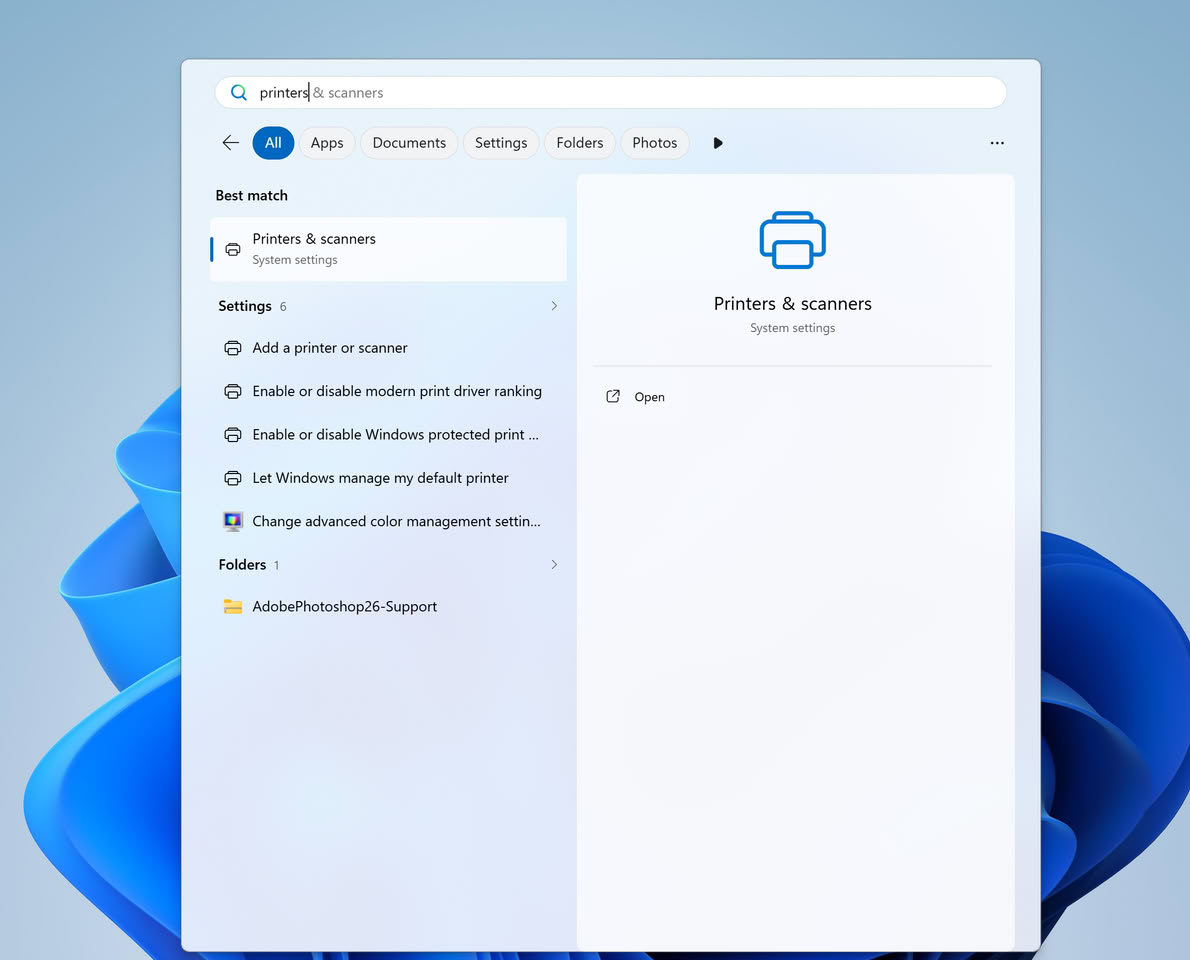
In terms of adjustment steps:
- Starting from January 15, 2026, Microsoft will no longer release new printer drivers to Windows 11 and Windows Server 2025 in the manner of Windows Update.
- And starting from July 1, 2026, the system will give priority to using the built-in IPP driver.
The final phase is scheduled to be implemented on July 1, 2027, at which time third-party driver updates will be limited to security fixes only. Existing drivers can still be manually installed using the software packages provided by the manufacturers, provided that the manufacturers decide to continue supporting the older versions of the drivers.
The existing drivers can still be used, and manufacturers can provide updates after case-by-case review. Microsoft stated that it still allows the release of security fixes, but it will narrow down the scope of new support for traditional drivers.
Windows Protected Print Mode (Protected Printing Mode) will further restrict the sources of drivers. This mode only accepts the printing infrastructure provided by Windows and prevents the loading of vendor-specific drivers. Microsoft has not yet announced when this mode will be enabled by default.
The media pointed out that during Microsoft's transition to Windows Ready Print, older USB printers are at a higher risk. If the devices do not support IPP, IPP, over, USB, or Mopria, enabling the protected printing mode may result in the system being unable to recognize the devices, or only some functions will be available.
Mopria is an industry standard and certification system for printing and scanning devices. Printers certified through Mopria typically support a unified process for discovery, connection, and printing.
Users can still disable Windows Protected Print Mode and install older versions of the driver at this time. After disabling this mode, the device may continue to function, but it will no longer rely on automatic updates. The compatibility of the driver with subsequent Windows versions will also depend on vendor maintenance.