








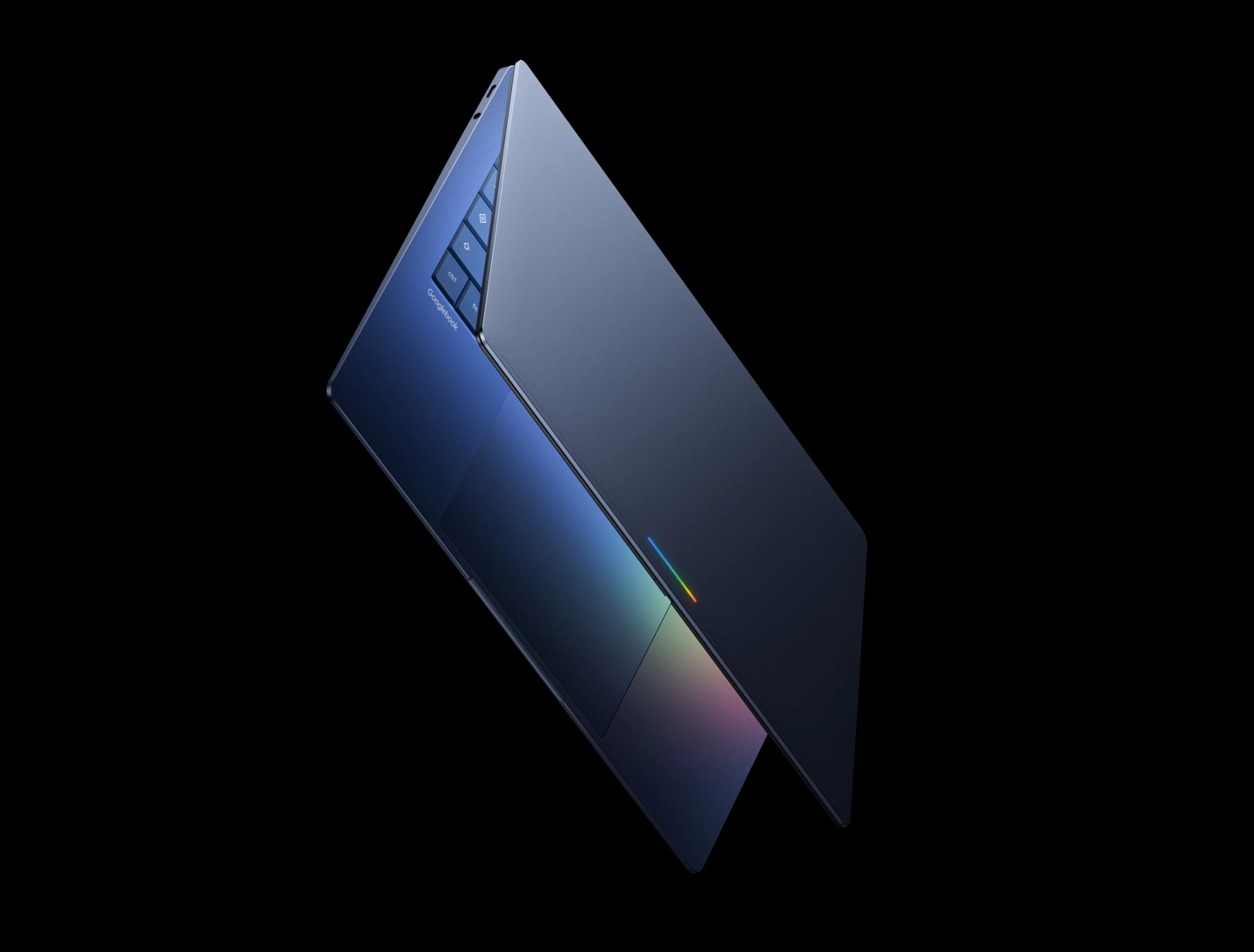
News from the IT community on October 6th: The first batch of Google Googlebook laptops has been launched in the US market in the past two days, with manufacturers such as Acer, ASUS, Lenovo, HP, and Dell all releasing corresponding models. These laptops run on the Googlebook OS operating system, incorporate Android software and ChromeOS desktop features, support the full version of the Chrome browser, and provide a separate Linux environment.
Today, Google has provided guidelines for unlocking Bootloader on their official website. Users can click on build seven times on the device settings page, and then enable OEM unlocking in the developer options. After that, they need to enter Recovery mode, and then find "Unlock Bootloader" under the "Advanced Options" on the screen.
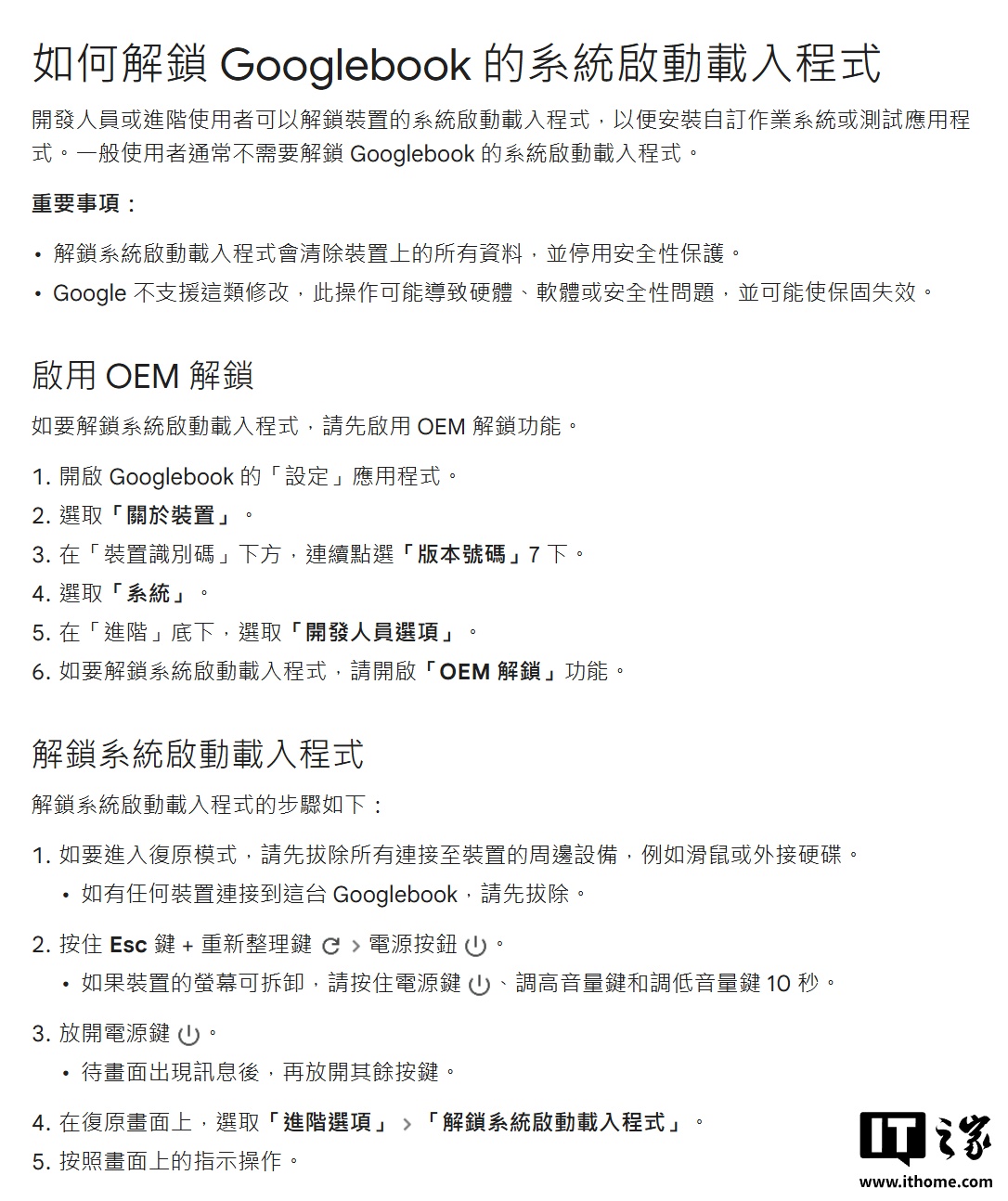
It should be noted that unlocking BL will erase all data on the device and disable the security protection features. Google warns that devices that are unlocked may experience hardware or software security issues, and users must bear the risks themselves; the brand may also refuse to provide warranty for such devices.
Subsequently, Android system, Root tool, and Magisk developer Wu Honglin confirmed that Magisk will be adapted to Googlebook. The specific details will be announced in the coming days.